Browse the guide
Start here
Everyday work
- Find and arrange documents
- Upload, preview & download
- Organize your documents
- Work with several documents
- Comments & mentions
- History & activity
- Archive, delete & recovery
Administration
- Administrator setup
- Users & permissions
- Manage categories & tags
- Associated record documents
- Stage requirements & gates
- Connect PandaDoc
Help & reference
Comments & mentions
Comment on a document, mention teammates, resolve review requests, and see how DocAI mentions relate to HubSpot tasks.
Post a comment
- Open Document details and then Comments.
- Select Create a comment.
- Write your comment. To mention someone, type @ and pick their name from the suggestions.
- Check the mention chips and your message, then select Post.
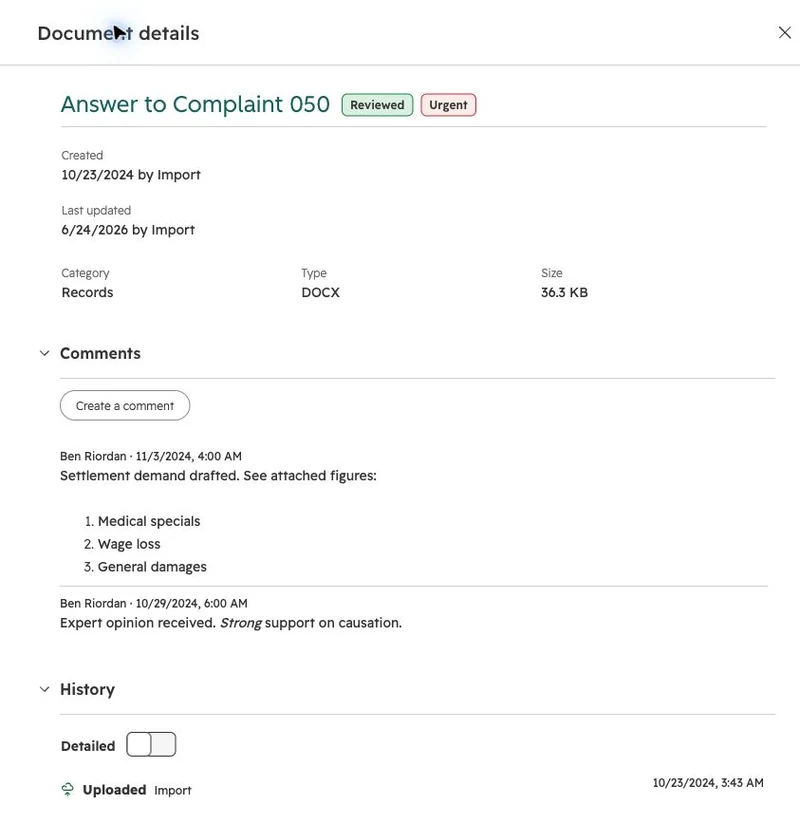
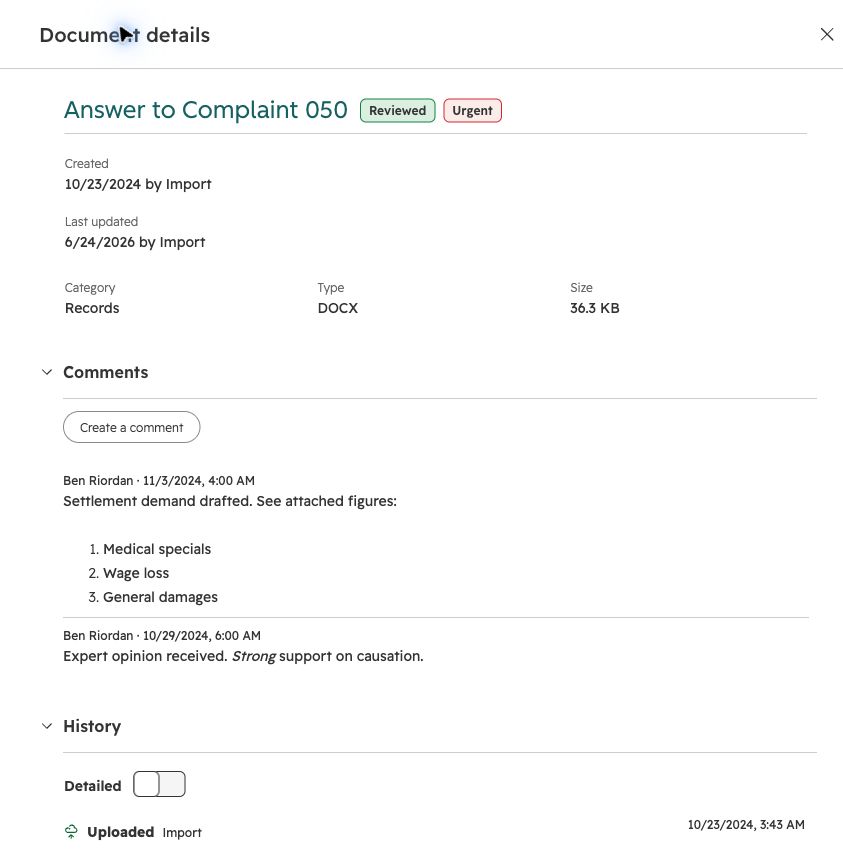
A comment can be up to 4,000 characters and mention up to 20 teammates. A name you type without picking it from the suggestions does not create a mention.
Important
Posted comments can’t be edited or deleted in 4.1. Add a follow-up comment to correct or clarify.
Who can take part
- Editors and Admins can comment on active documents.
- Every role can read comments and resolve its own mentions.
- Older comments stay readable after a document is archived or deleted.
Resolve a review request
Needs your attention appears above the document list when you have an open mention on this record.
- Open the document and find the comment marked Needs review.
- Review the request and do the work.
- Select Mark resolved. You can also resolve it from the attention section.
The list covers only the current record or the selected associated record, not every record in your account.
How HubSpot tasks relate to mentions
- DocAI can create a related HubSpot task and reminder for the person you mention, depending on your connection and whether they can be assigned HubSpot tasks. Reminders follow their notification settings.
- Mark resolved also tries to complete the linked task.
- Completing the task in HubSpot alone does not resolve the mention. Use the document’s review status as your checklist.
Not using DocAI yet? Try it on one workflow for a week.
Apply for $100 trial