Browse the guide
Start here
Everyday work
- Find and arrange documents
- Upload, preview & download
- Organize your documents
- Work with several documents
- Comments & mentions
- History & activity
- Archive, delete & recovery
Administration
- Administrator setup
- Users & permissions
- Manage categories & tags
- Associated record documents
- Stage requirements & gates
- Connect PandaDoc
Help & reference
Administrator setup
A first-day checklist after installing the Document AI app in HubSpot: find the settings, place the cards, agree defaults, and test a workflow.
1. Find the app settings
In HubSpot, open your connected apps and then the TortScale Document AI settings. There are six tabs: Categories, Tags, Users, Associations, Stage gates, Integrations.
Note
HubSpot permissions control app and record-layout administration. The DocAI Admin role controls the app’s own settings. If you see Admin access required, ask an existing DocAI Admin to review your role.
2. Add the cards to record pages
A HubSpot Super Admin opens the App cards tab, chooses Manage locations for each card, selects the record views, and saves.
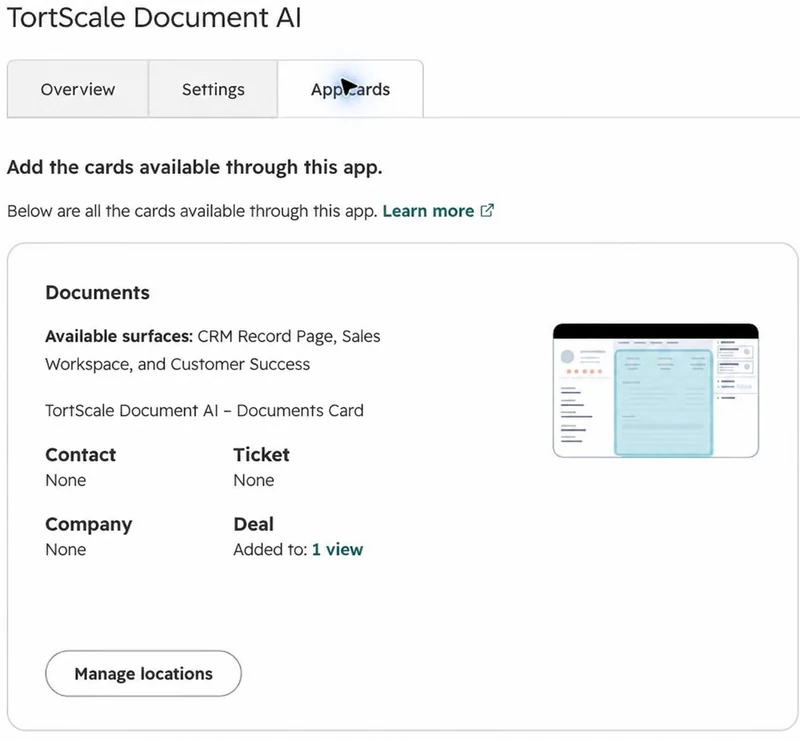
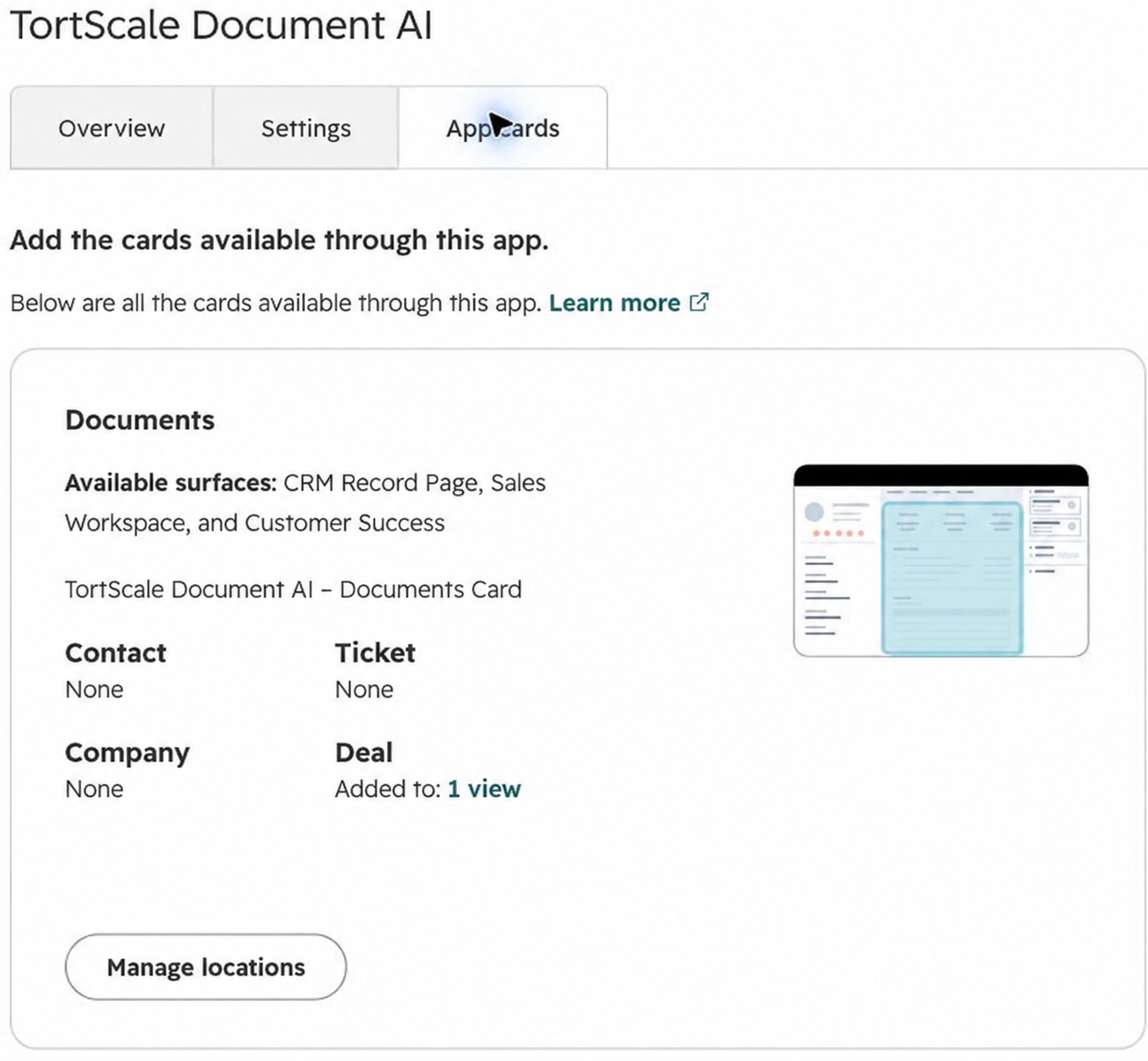
- Documents: the main document workspace for the record.
- Document Activity: the record’s history of document changes and comments.
- Associated Record Documents: documents on linked records. Configure Associations first.
Place the cards in the main record tabs for contacts, companies, deals, and tickets, and repeat for each view your team uses.
To change placement later, go to Settings → Data Management → Objects → your object → Record Customization, edit the view, and save. This needs the HubSpot Customize record page layout permission or Super Admin access.
3. Agree your team’s defaults
- Review users and permissions, including which Editors may delete documents.
- Set up categories and tags. New accounts start with categories off and tags on.
- Configure associations if people need documents from linked records.
- Add stage requirements if your process needs them.
- Connect PandaDoc only if your workflow uses it.
4. Try the team’s first workflow
- Have a teammate open the intended record view and find the Documents card.
- As an Editor, upload a sample document, categorize it, preview it, and download it.
- Confirm a Viewer can read and download but sees no editing controls.
- Add a comment with a mention, then resolve the review request.
- If configured, check associated-record behavior, stage requirements, and one completed PandaDoc import.
Then share Your first document with the team, along with your naming and organization conventions.
Not using DocAI yet? Try it on one workflow for a week.
Apply for $100 trial