How it works
Start with the record. Bring the documents with it.
DocAI puts document context where people already work. Setup starts with one specific task, not a platform-wide migration.
Inside the product
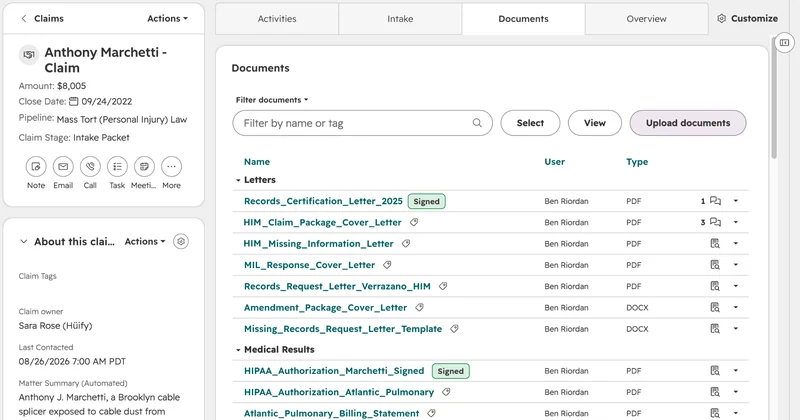
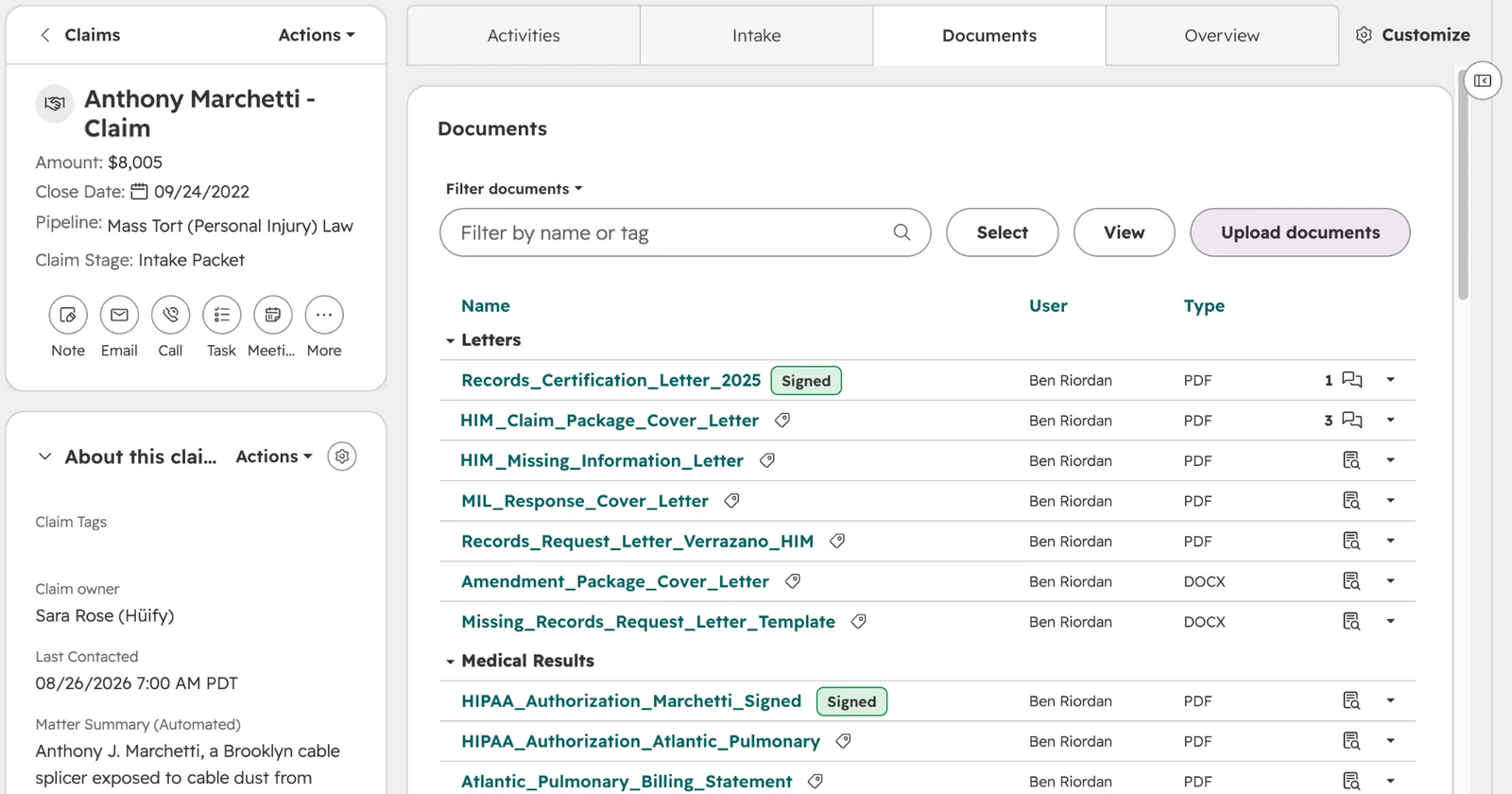
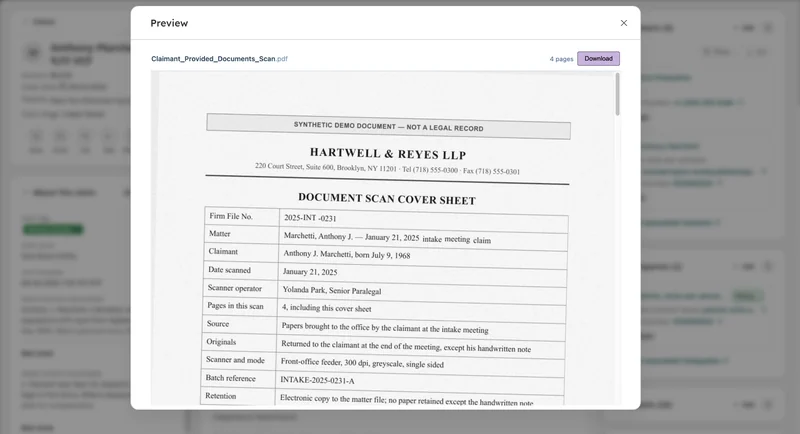
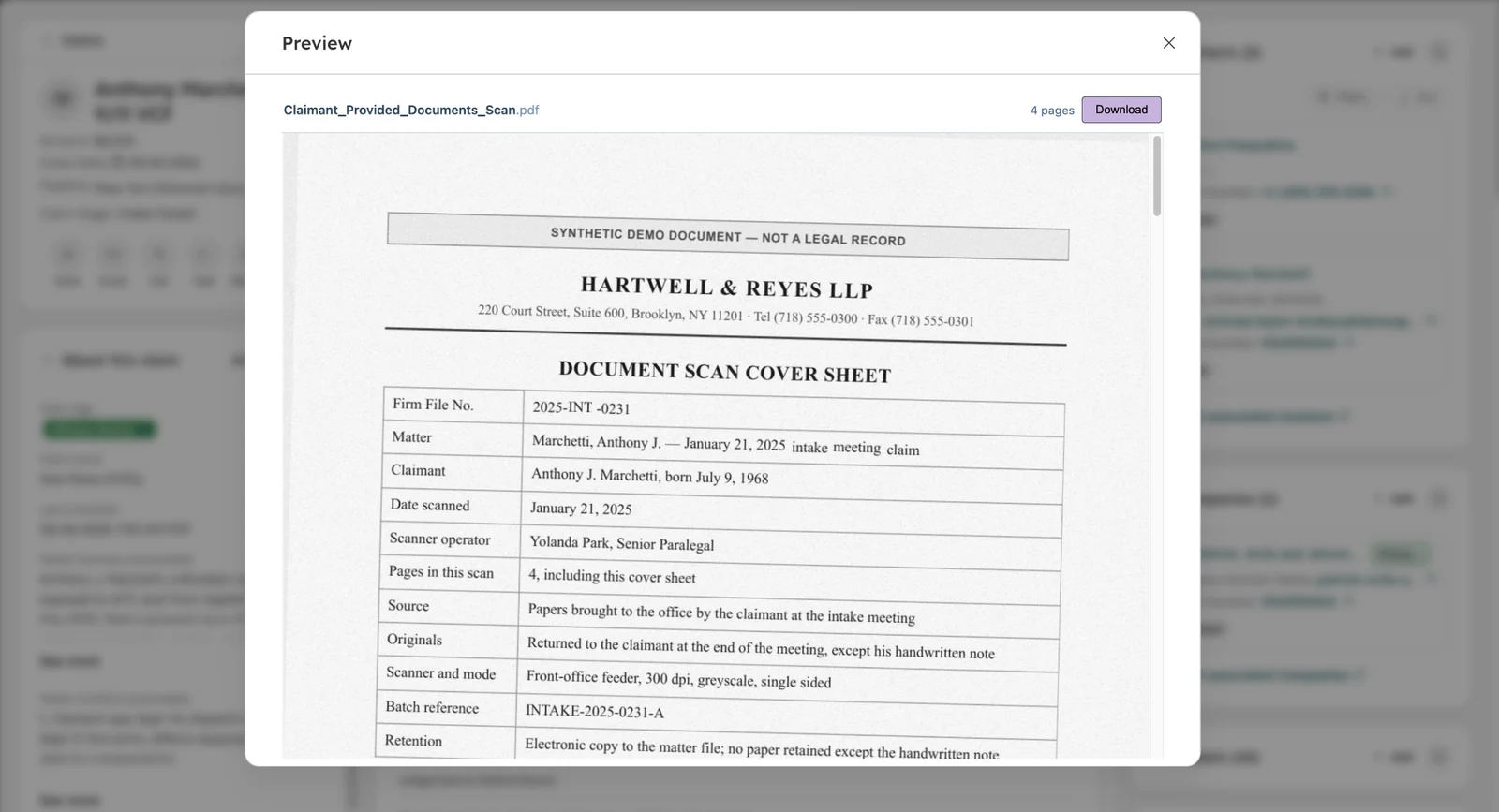
Find the file. Open it beside the work.
The path
Four steps from idea to decision.
Choose the work
Pick one handoff where having the documents on the record would make the next step easier.
Agree the setup
Confirm the record type, document source, people, access, and any setup costs.
Try it for a week
The people doing that work use the documents from the record during the agreed week.
Review the result
Compare it with your usual handoff, then decide whether to expand.
Before the week starts
Agree what you will test.
A useful trial has a defined task and a clear result to look for.
- The HubSpot record and the document source
- The files and people included
- Configuration, access, and any setup costs
- The start date and what success looks like
Before you start
Common questions
What is available today?
Document management inside HubSpot: the documents behind a record, next to the record your team works in. We walk through your workflow before setup.
Where are the files stored?
Storage location and access depend on the implementation. We confirm the architecture, permissions, and migration requirements before onboarding.
Do we need to move every document?
No. Start with an agreed document set. A broader transfer or a historical archive migration is assessed and quoted separately.
Start with one workflow
See it in your own workflow.
One week, your documents, and a clear next step. Scope is agreed before you pay.