Product walkthrough
See the documents on the record.
A visual tour of the current DocAI experience: find the Documents card on a HubSpot record, organize files, and open a preview without losing the record context.
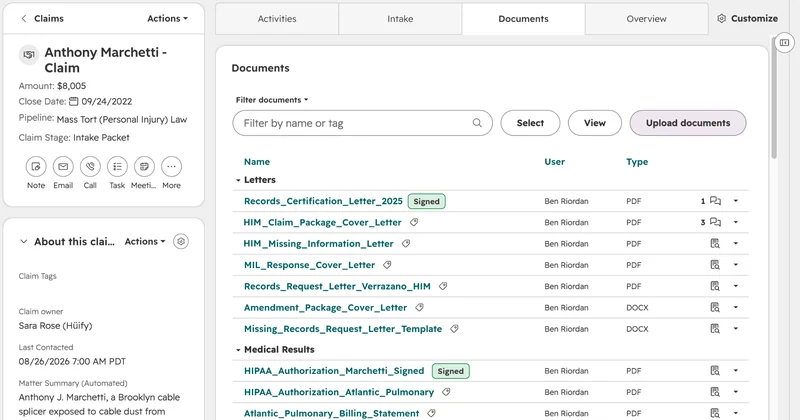
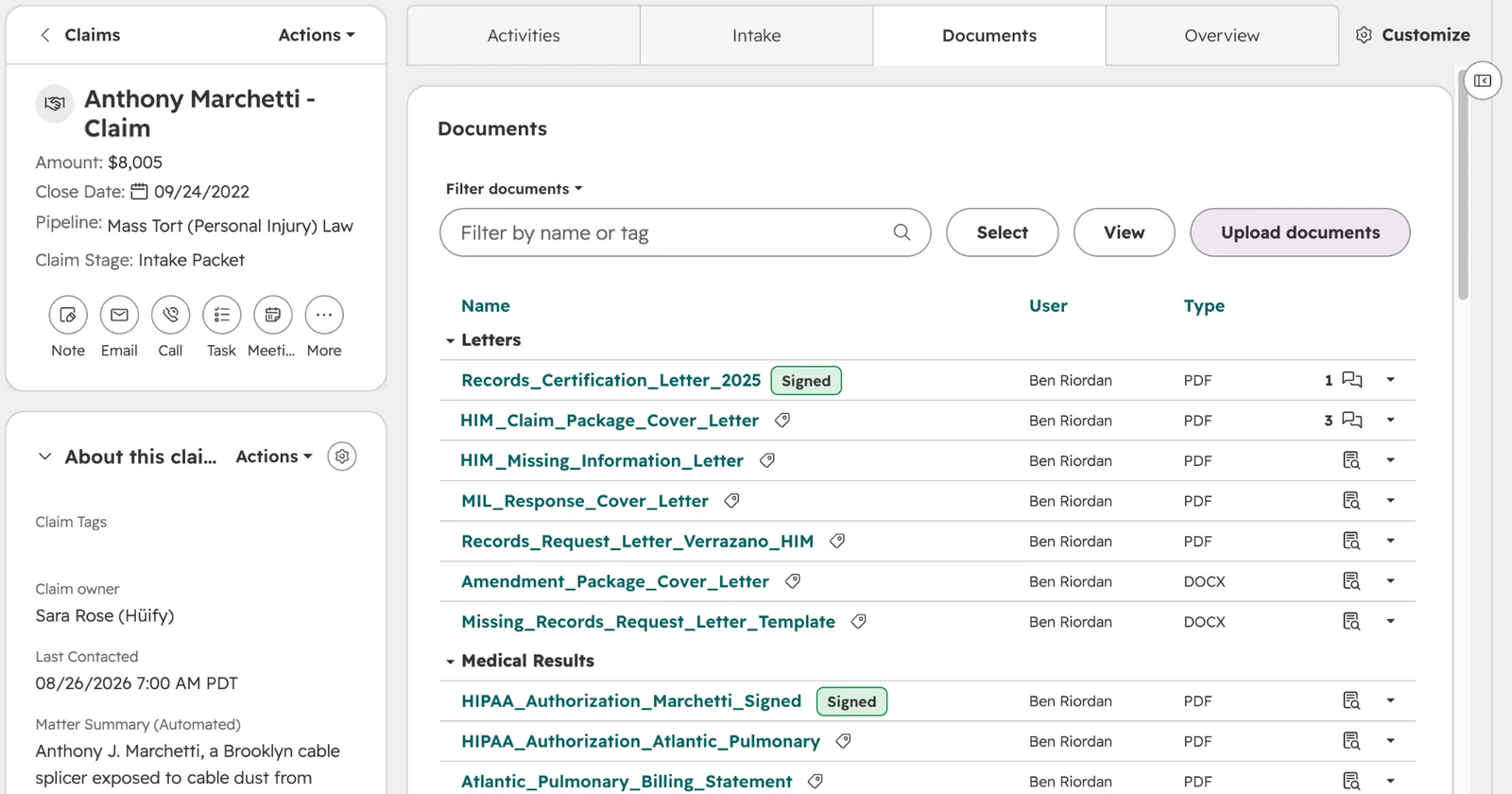
A document handoff, step by step
The CRM record stays in view.
The screenshots show a presentation demo with sample data. A trial uses an agreed workflow and approved files.
Open the supported record
Work from a HubSpot contact, company, deal, or ticket your team already uses.
Find and organize documents
Upload, preview, categorize, tag, comment on, and download files with configured roles and access.
Pass the work forward
Use the record and document history to give the next teammate more context at the handoff.
What the interface looks like
Documents and preview, together.
Use the images to explore the current interface. The file content is synthetic and does not show a customer record.
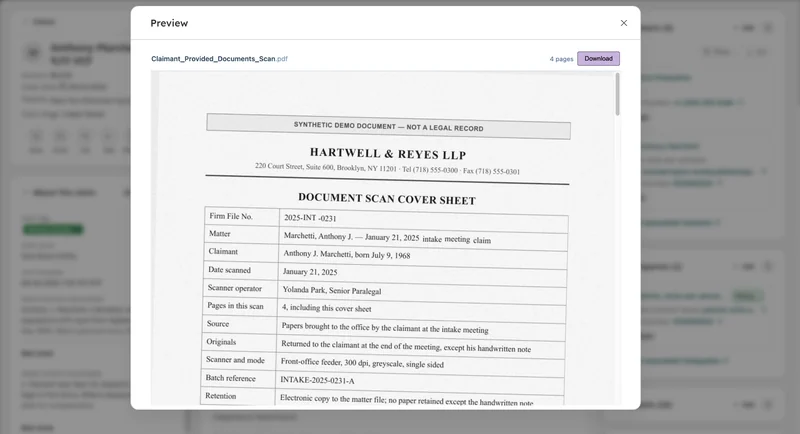
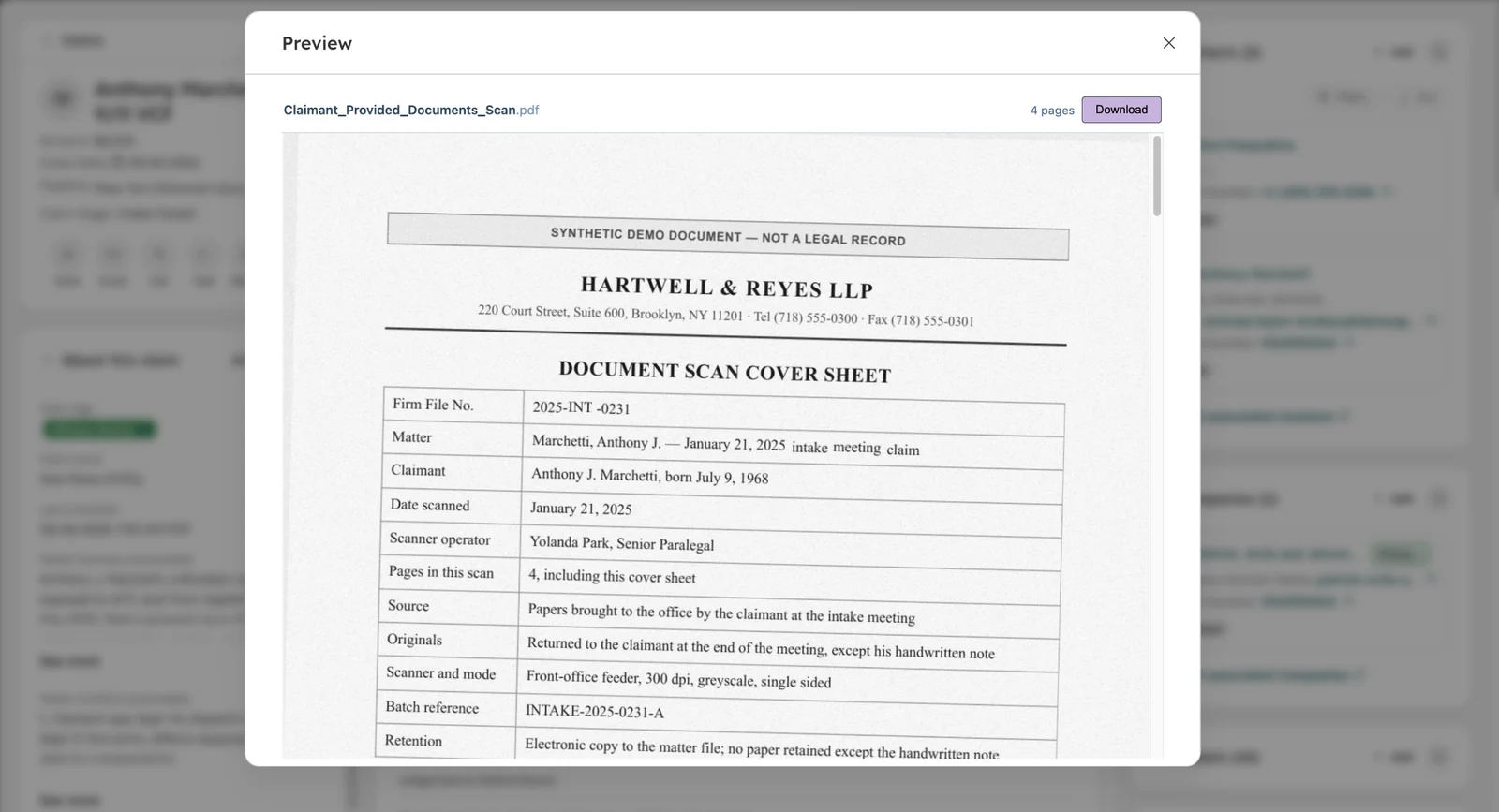
Current product boundaries
A document workflow, not a system of record replacement.
DocAI manages documents on supported HubSpot records. It is not a client self-service upload portal, law-practice platform, claims system, loan-origination system, or accounting/tax application.
- Current capabilities shown: upload, preview, organize, comments, permissions, history, and document handoffs.
- OCR, text search, cited answers, and agent tools are roadmap items, not available in today’s plans.
- Production setup depends on confirmed record types, agreements, configuration, permissions, and governance.
Start with one workflow
Make the demo your workflow.
Bring one handoff and define what the team should learn in a one-week trial.