Why DocAI
The record is open. The file is somewhere else.
Agreements, intake forms, and supporting files carry the context behind customer work. When they sit apart from the HubSpot record, every handoff has to rebuild it.
The problem
Every handoff starts with a second search.
A customer asks a question. The team opens the HubSpot record, then leaves it to find the agreement, intake form, or supporting file somewhere else. Someone has to search, check it is the right copy, and pass it along before work continues.
How DocAI helps
Keep the documents beside the work.
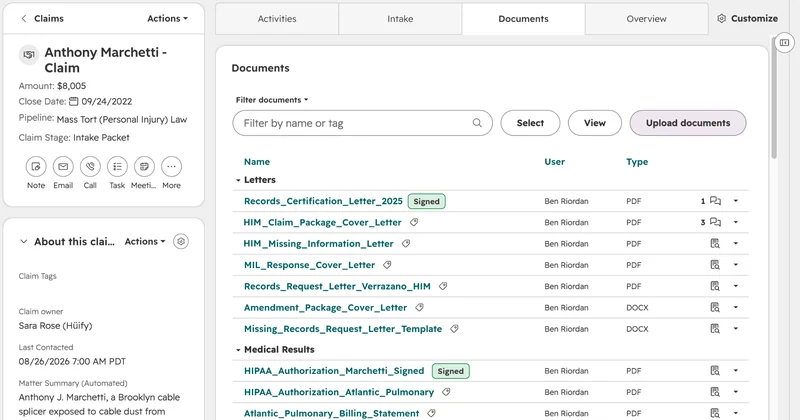
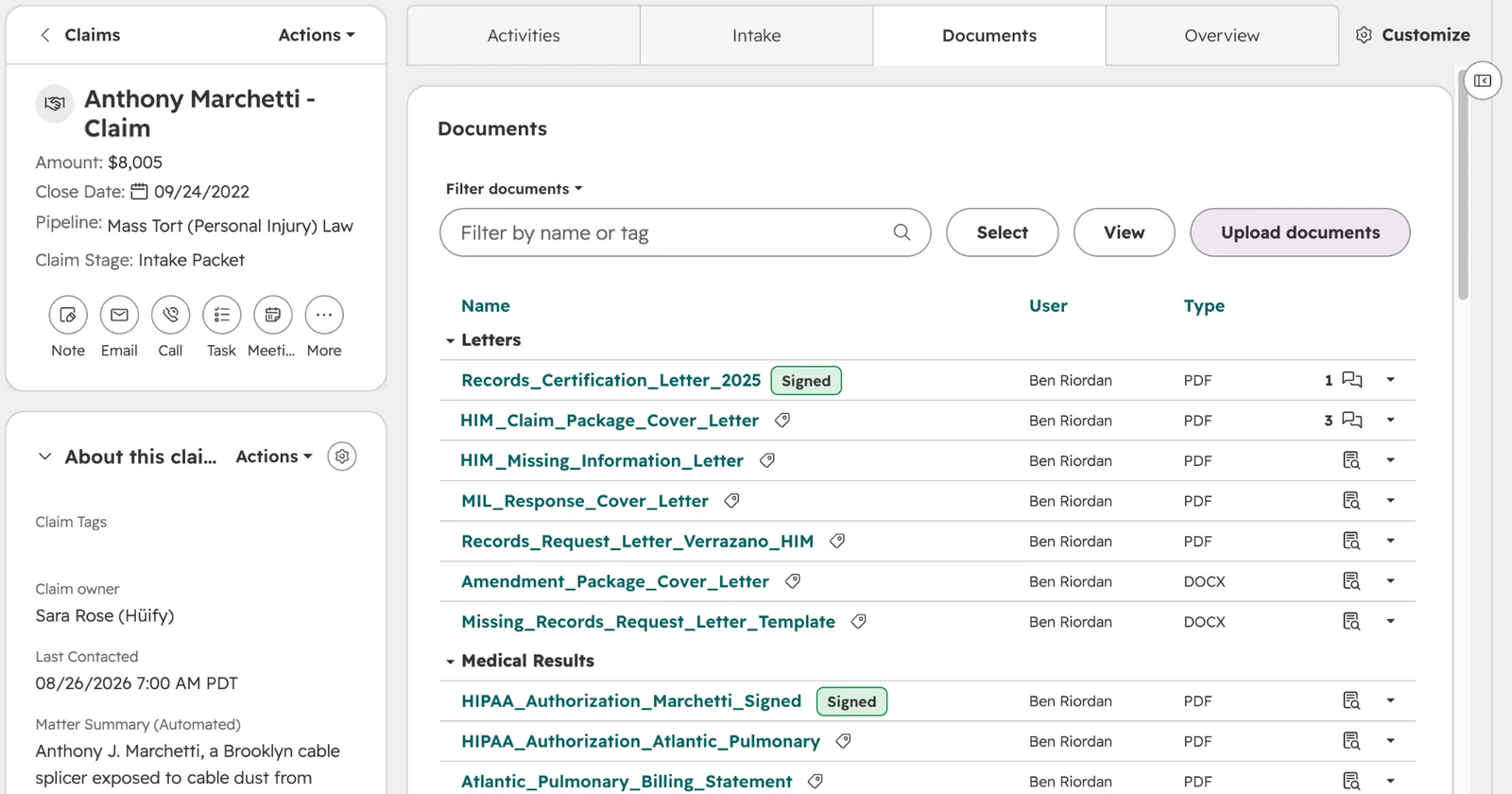
DocAI adds document management to HubSpot records, so the files behind a customer relationship are there when the record is open.
Find the file from the record
Relevant documents stay with the customer context people already use.
Keep related documents organized
Give the team one agreed place for each record’s document set.
Pass the work forward
The next person starts from the record and its files, not from a fresh search.
Is DocAI a fit?
Start with the need you have today.
Good fit
- Your team already works from HubSpot records.
- Important files are spread across folders, inboxes, or handoffs.
- You want the next teammate to find the agreed documents in context.
Not a fit yet
- You need AI to read, summarize, or answer questions about files today.
- You need full-text search inside document contents today.
- Your work happens outside HubSpot in a standalone system.
OCR, search inside documents, and AI answers are on the roadmap, not in today’s plans. See the product direction.
Start with one workflow
Test one real handoff.
Pick a recurring task and an agreed set of documents. Use it for one week, then decide what happens next.