Law firms
Keep client documents with the HubSpot work.
For teams that already use HubSpot to coordinate client intake, referral, or business-development steps—and want supporting files beside that CRM context.
A possible workflow
Keep the file and its HubSpot context together.
Starting record: A HubSpot contact, deal, or ticket configured for a client or intake workflow.
Collect the agreed files
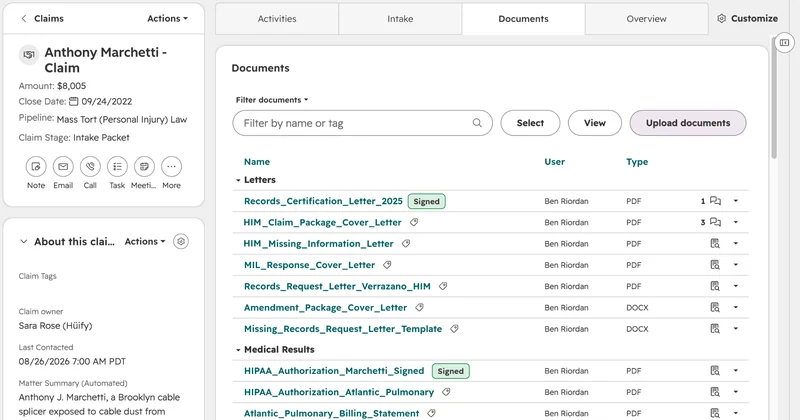
Add the intake or supporting documents to the relevant HubSpot record.
Organize for the next handoff
Use configured categories, tags, comments, and permissions to help teammates see what is ready for review.
Keep the record in view
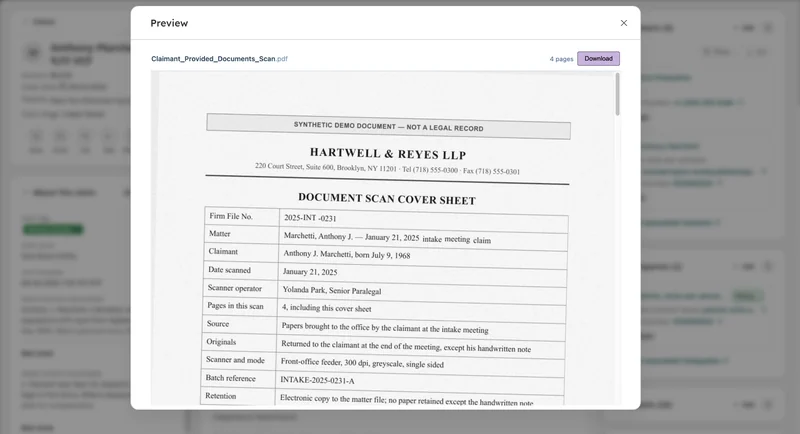
Open, preview, and download the documents from the record your team already uses.
Illustrative workflow only. Confirm supported record setup and fit before moving real documents.
What to evaluate
One handoff. One clear question.
- Possible one-week trial
- One intake or supporting-document handoff, using approved sample or test files.
- Question to answer
- Can the people responsible for the next intake step find the right files and understand their status from the HubSpot record?
DocAI is not a law practice management or case management system, and this example does not replace a firm’s matter platform or legal judgment.
See the current interface
A product view using synthetic data.
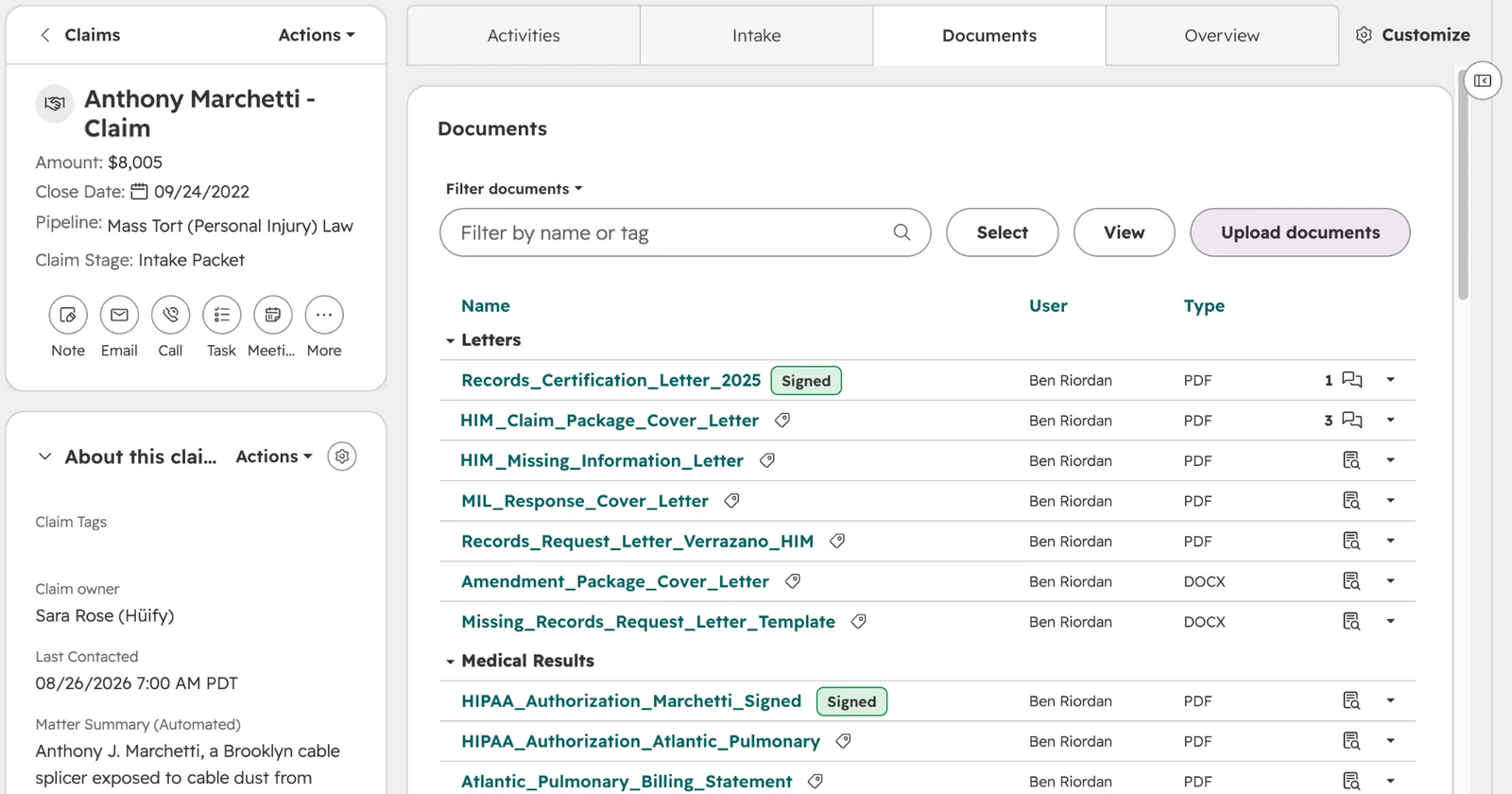
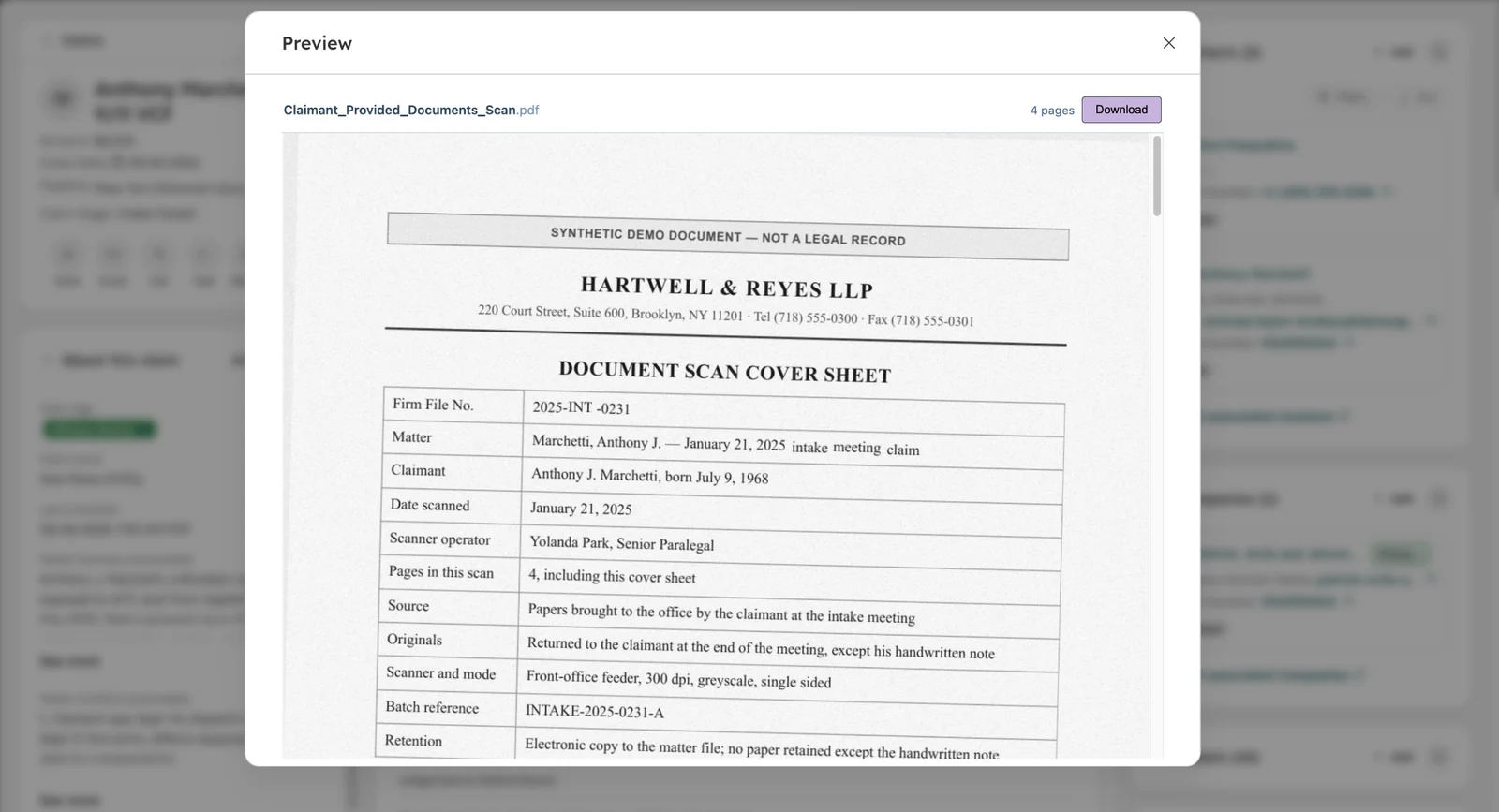
These screenshots show the current Documents card and preview experience, not a customer implementation.
Decide whether DocAI fits
Start with HubSpot and the work around it.
Potential fit
Your team already uses HubSpot for this customer workflow and needs documents organized on the supported record.
Confirm before setup
Record type, document source, access, agreements, configuration, and governance all need to be agreed.
Not a replacement
DocAI is not a law practice management or case management system, and this example does not replace a firm’s matter platform or legal judgment.
Start with one workflow
Test the handoff with your team.
A one-week trial starts after the scope, setup, and start date are agreed.