Insurance
Put insurance documents beside the customer record.
For insurance teams that coordinate customer or claims-support work in HubSpot and need a clearer place for the documents behind a ticket or deal.
A possible workflow
Keep the file and its HubSpot context together.
Starting record: A HubSpot ticket or deal configured for an insurance service or claims-support workflow.
Choose the record and file set
Agree which HubSpot ticket or deal and which supporting files belong in the workflow.
Make the handoff visible
Configure categories and tags for the team’s agreed document states, then use comments and history to keep work in context.
Review from HubSpot
Open, preview, download, and hand off the files from the associated record.
Illustrative workflow only. Confirm supported record setup and fit before moving real documents.
What to evaluate
One handoff. One clear question.
- Possible one-week trial
- One supporting-document handoff on an agreed ticket or deal record.
- Question to answer
- Can the service team locate the agreed supporting files and tell what needs attention without losing the HubSpot record context?
This is document management, not claims adjudication, policy administration, underwriting, or a carrier system. Record types and access need to be confirmed for each setup.
See the current interface
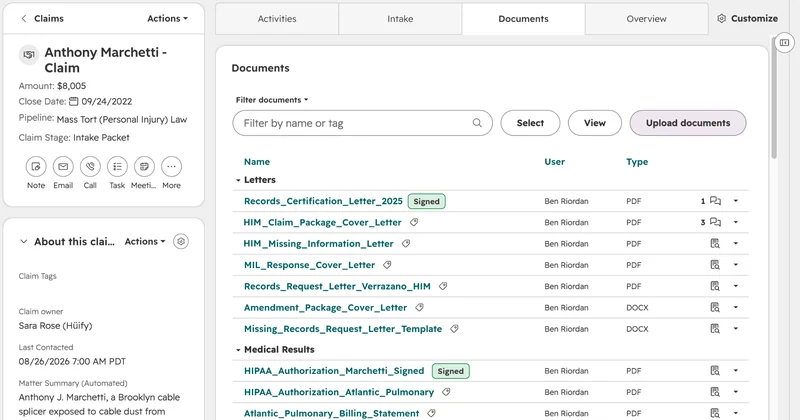
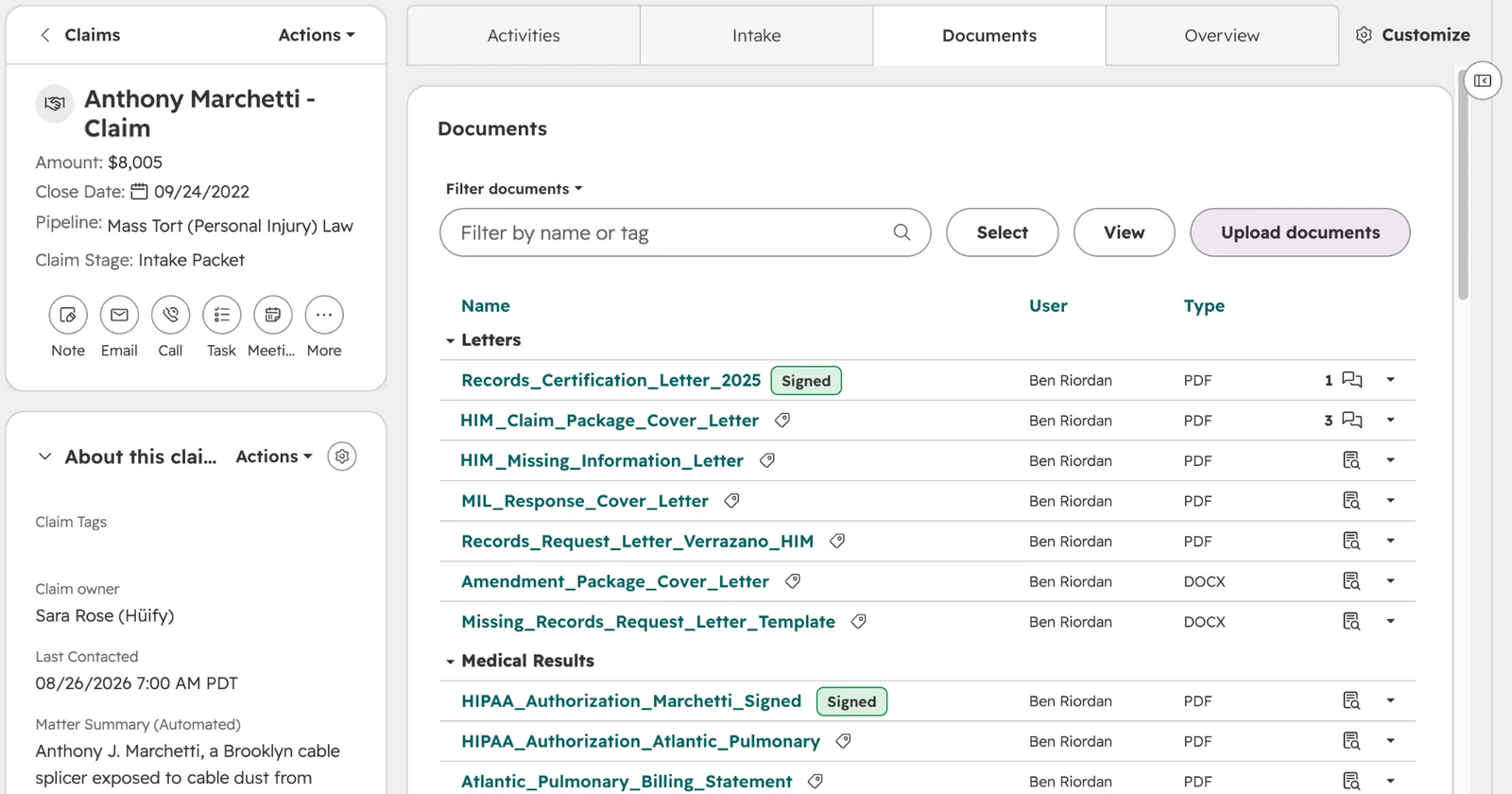
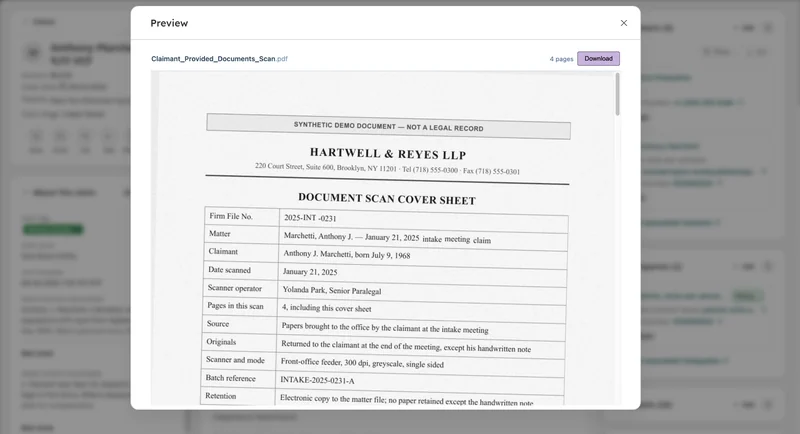
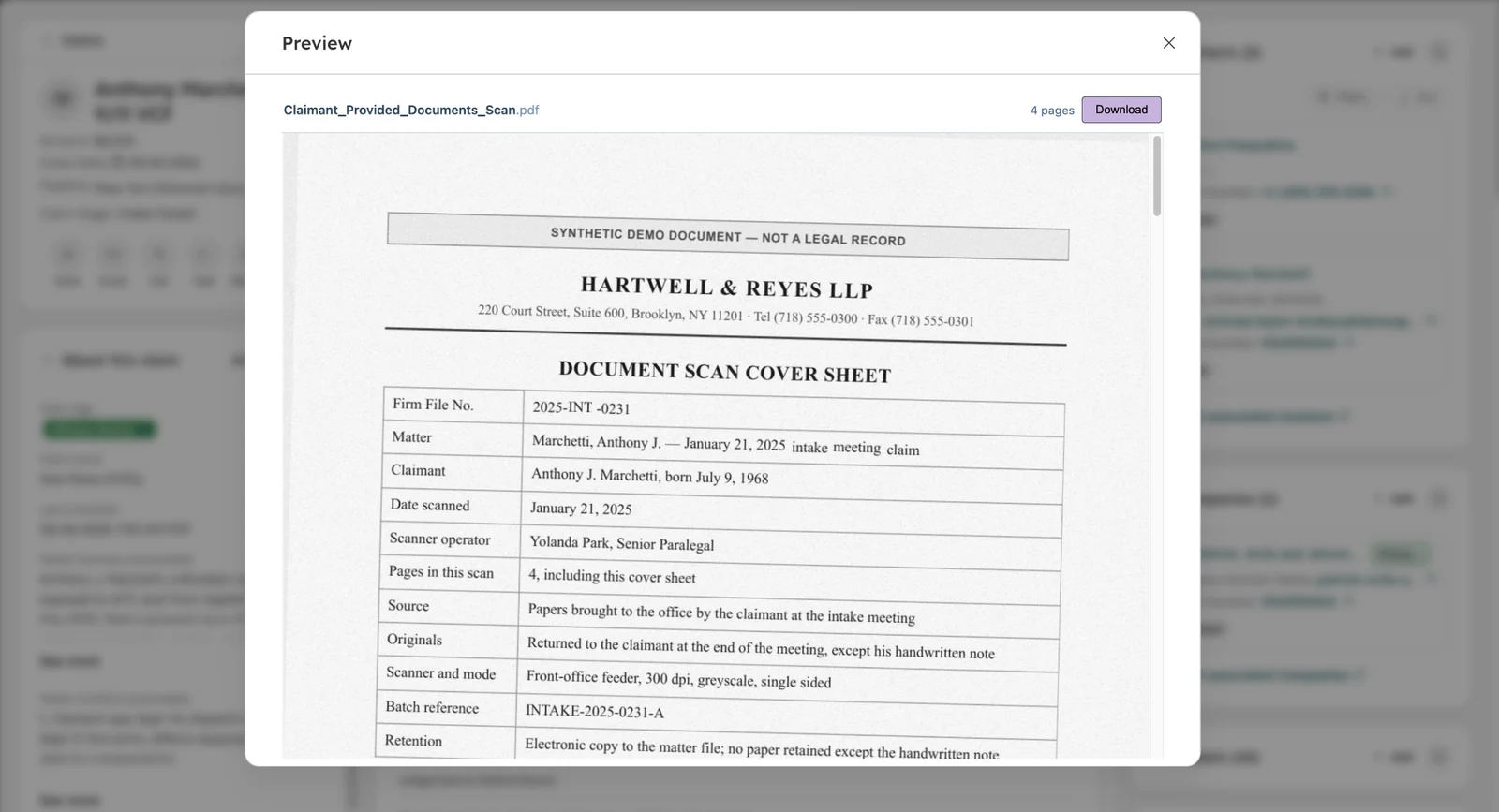
A product view using synthetic data.
These screenshots show the current Documents card and preview experience, not a customer implementation.
Decide whether DocAI fits
Start with HubSpot and the work around it.
Potential fit
Your team already uses HubSpot for this customer workflow and needs documents organized on the supported record.
Confirm before setup
Record type, document source, access, agreements, configuration, and governance all need to be agreed.
Not a replacement
This is document management, not claims adjudication, policy administration, underwriting, or a carrier system. Record types and access need to be confirmed for each setup.
Start with one workflow
Test the handoff with your team.
A one-week trial starts after the scope, setup, and start date are agreed.