Accounting firms
Bring prospect and onboarding files into the HubSpot handoff.
For accounting firms using HubSpot to manage prospective clients or coordinate onboarding, where documents often arrive before the delivery team is ready for them.
A possible workflow
Keep the file and its HubSpot context together.
Starting record: A HubSpot contact, company, deal, or ticket configured for prospective-client or onboarding coordination.
Start with a repeatable handoff
Choose the point where a prospect or new client’s supporting files move between people.
Keep files next to CRM context
Associate agreed files with a supported HubSpot record and organize them with configured categories and tags.
Review the next step
Use permissions, comments, and history to help the receiving teammate find the right documents.
Illustrative workflow only. Confirm supported record setup and fit before moving real documents.
What to evaluate
One handoff. One clear question.
- Possible one-week trial
- One sales-to-onboarding file handoff, using approved sample or test documents.
- Question to answer
- Can sales or onboarding teammates hand off the agreed files with enough HubSpot context for the next person to continue?
DocAI is not tax-preparation, accounting, client-portal, or practice-management software. Use approved sample data until the firm confirms agreements, configuration, access, and governance.
See the current interface
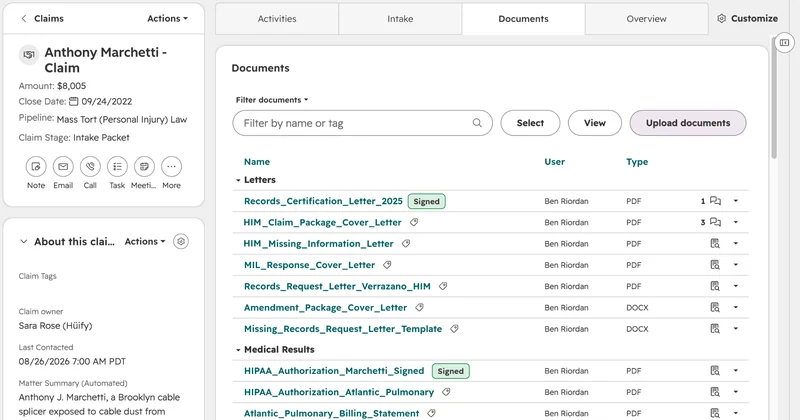
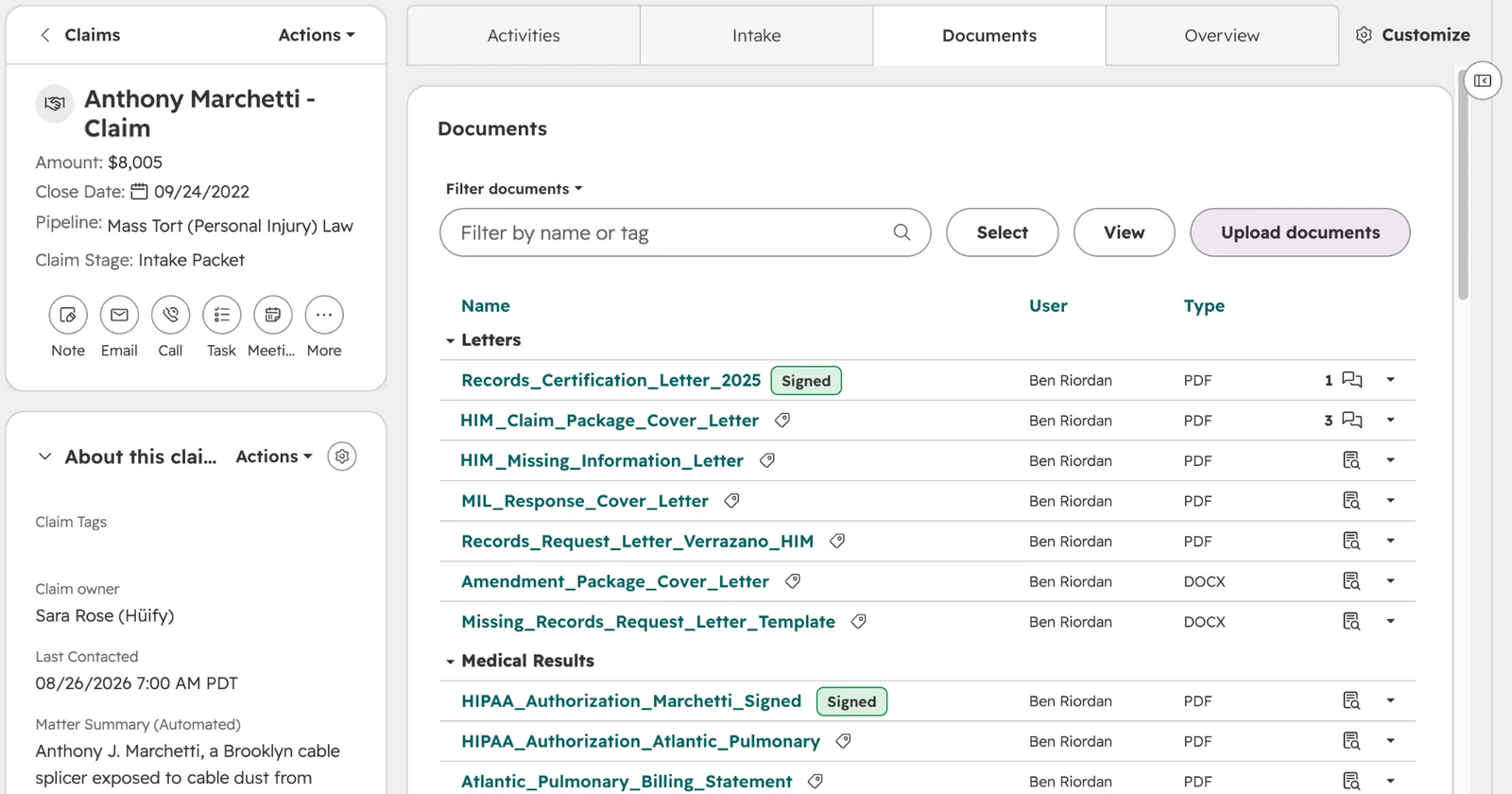
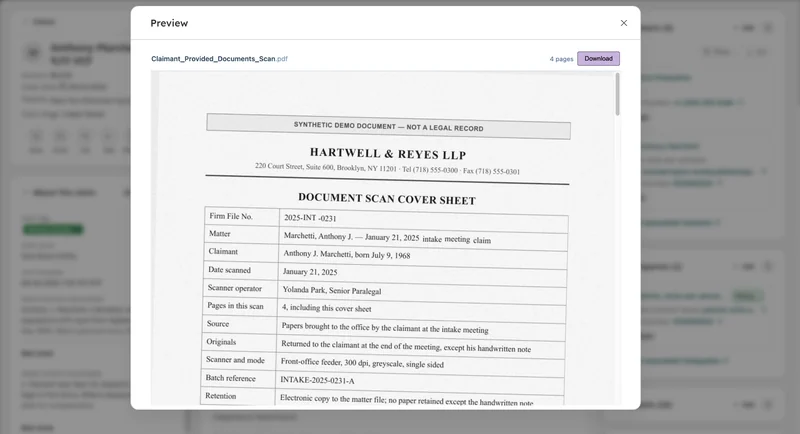
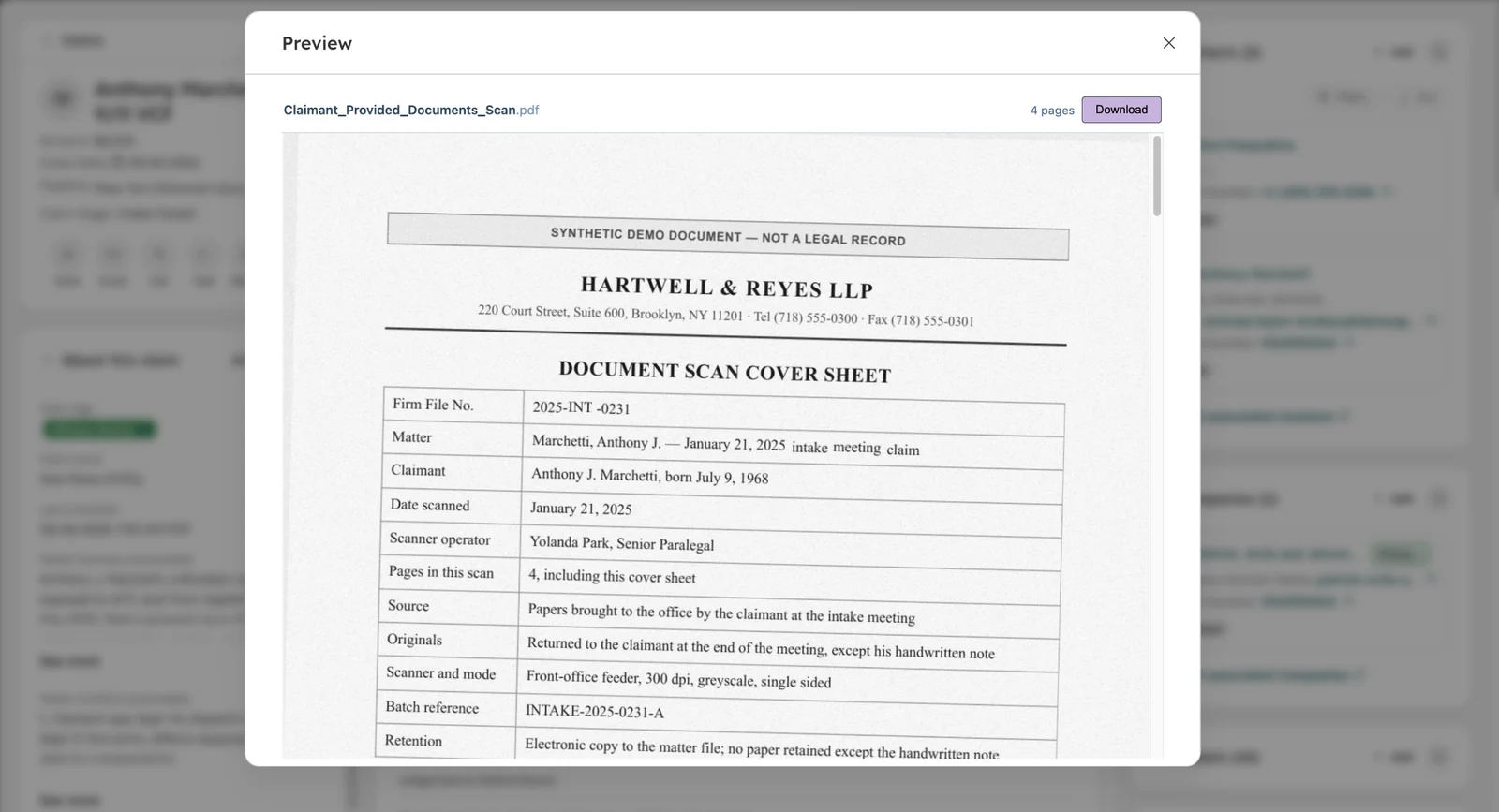
A product view using synthetic data.
These screenshots show the current Documents card and preview experience, not a customer implementation.
Decide whether DocAI fits
Start with HubSpot and the work around it.
Potential fit
Your team already uses HubSpot for this customer workflow and needs documents organized on the supported record.
Confirm before setup
Record type, document source, access, agreements, configuration, and governance all need to be agreed.
Not a replacement
DocAI is not tax-preparation, accounting, client-portal, or practice-management software. Use approved sample data until the firm confirms agreements, configuration, access, and governance.
Start with one workflow
Test the handoff with your team.
A one-week trial starts after the scope, setup, and start date are agreed.